What Is ASCII Art and Why Is It Everywhere Again?
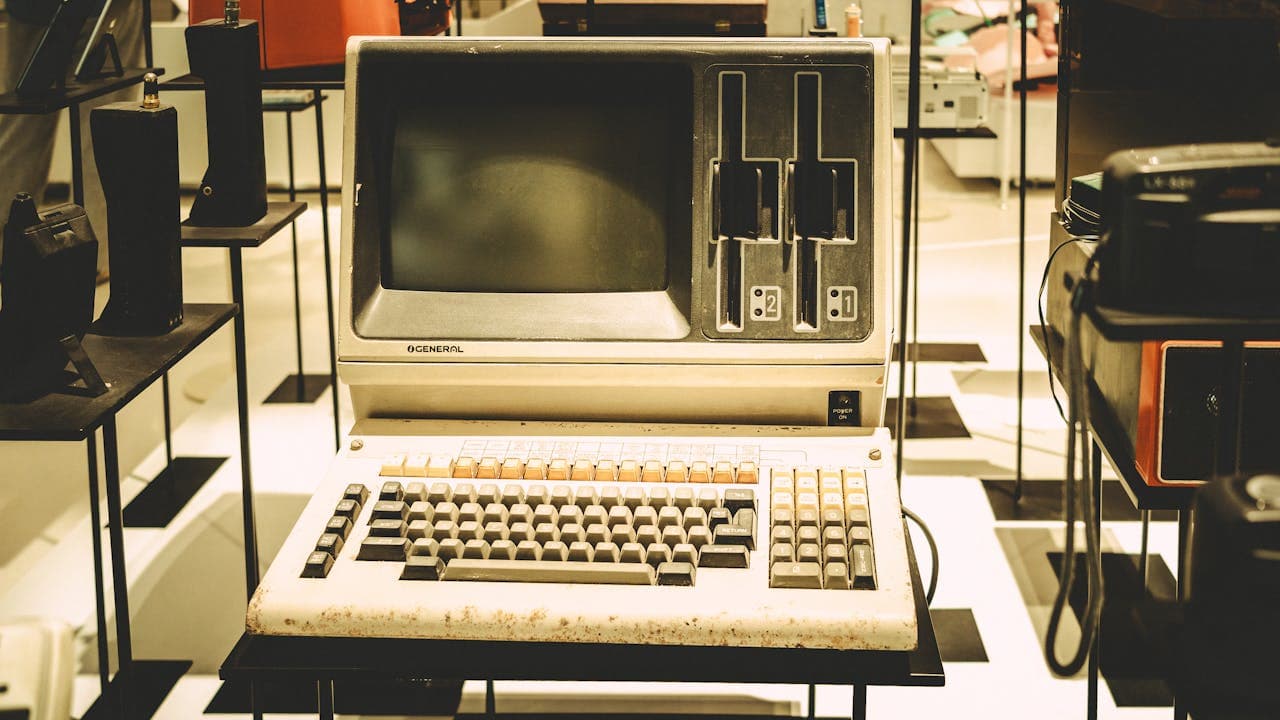
ASCII art is the practice of creating images and visual designs using only text characters, letters, numbers, punctuation marks, and symbols from the ASCII character set. It predates the graphical web by decades, originating in the early days of computing when terminals could only display text.
What started as a technical necessity has become a deliberate creative choice. In 2026, ASCII art is showing up in unexpected places:
- GitHub README files and developer documentation
- Terminal applications and CLI tool splash screens
- Social media posts that stand out in text-heavy feeds
- Email signatures and plain-text newsletters
- Code comments that mark major sections
- Retro-themed websites and indie game interfaces
The appeal is straightforward: ASCII art works everywhere text works. No image loading, no format compatibility issues, no broken links. It renders in any terminal, any browser, any email client, and any chat application. That universality is rare in a world of competing image formats and rendering engines.
ASCII art is the cockroach of visual media. It survives every platform change, every format war, and every technology shift. If a system can display text, it can display ASCII art.
How ASCII Art Generators Work
Modern ASCII art generators use one of two approaches, depending on the input type.
Text-to-ASCII (FIGlet Style)
The most common type takes a word or phrase and renders it in large decorative text using a font library. The underlying technology is called FIGlet (Frank, Ian, and Glenn's Letters), a program created in 1991 that maps each character to a multi-line text representation.
For example, the word "HELLO" rendered in the "Standard" FIGlet font becomes a large block-letter version built entirely from slashes, underscores, and pipes. Hundreds of fonts exist, from clean geometric styles to elaborate 3D effects.
The process is deterministic: input text + font selection = identical output every time. This makes FIGlet-style generators reliable for automated workflows like build scripts, deployment messages, and log headers.
Image-to-ASCII Conversion
The second approach converts photographs or graphics into ASCII representations. The algorithm:
- Resize the image to the target character width
- Convert to grayscale (brightness values from 0-255)
- Map brightness to characters using a density ramp, typically something like
.:-=+*#%@where spaces represent bright areas and@represents dark areas - Output the character grid as plain text
The quality depends on the character set, the source image contrast, and the output width. High-contrast images with clear subjects convert best. Subtle gradients and fine details tend to get lost.
Both approaches run entirely in the browser using JavaScript and the Canvas API, no server processing needed, no uploads, no privacy concerns.
Practical Uses for Developers
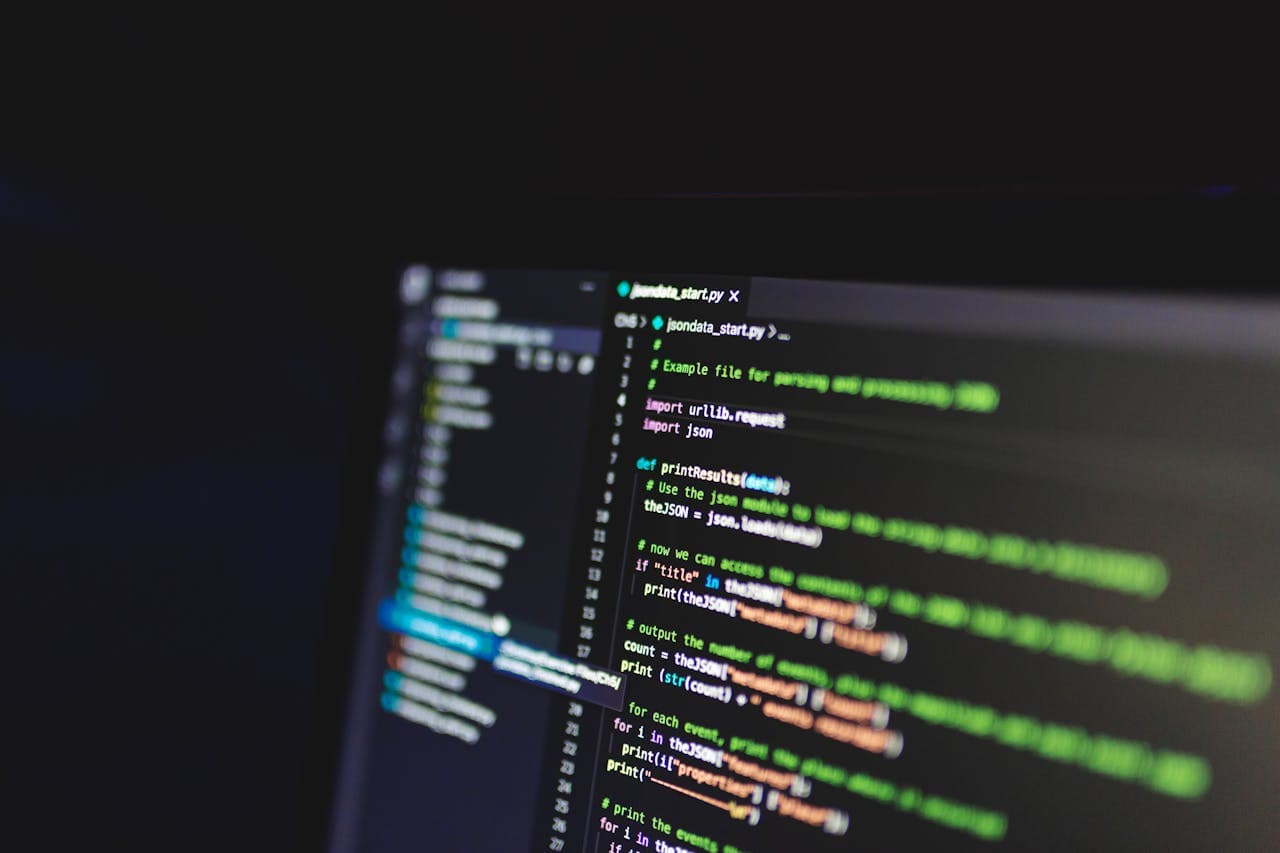
ASCII art is more than decoration. It solves real problems in developer workflows.
Terminal Branding
CLI tools that display a branded splash screen on launch feel more polished. Node.js, Python, Go, and Rust CLI frameworks all support text output, making ASCII banners trivial to implement. Popular tools like neofetch, figlet, and toilet exist specifically for this.
Git Commit and Deploy Messages
Teams that use Slack or Discord for deployment notifications can make critical messages impossible to miss by rendering them as ASCII art. A deploy notification that says PRODUCTION DEPLOY - v2.4.1 in giant FIGlet text gets attention faster than a plain-text message buried in a busy channel.
Documentation and README Files
A well-placed ASCII logo at the top of a GitHub README immediately communicates project identity without requiring an image host. It loads instantly, works in terminal-based markdown renderers, and never breaks due to CDN issues.
Code Section Markers
Large codebases sometimes use ASCII banners as visual section dividers:
`
// ╔═══════════════════════════════╗
// ║ AUTHENTICATION LAYER ║
// ╚═══════════════════════════════╝
`
This helps when scrolling through thousands of lines, the visual weight of the banner catches the eye faster than a regular comment.
Debugging and Logging
When debugging distributed systems, ASCII art in log output makes critical events visually distinct. A FATAL ERROR rendered in large text is easier to spot in a log file than a single line among thousands.
To format and measure your text before converting it, the Character Counter helps verify line lengths stay within terminal width limits.
ASCII art is more than decoration.
ASCII Art for Social Media and Marketing
Beyond the developer world, ASCII art has found a niche in content marketing and social engagement.
Platform-Native Content
On platforms where images compete for attention, text-based art stands out precisely because it is different. A LinkedIn post with an ASCII art header stops the scroll because it breaks the visual pattern of photos and infographics.
The limitation is also the advantage: ASCII art forces simplicity. You cannot add gradients, drop shadows, or stock photography. What remains is the raw message, presented in a format that signals creativity and technical literacy.
Email Campaigns
Plain-text emails have higher deliverability rates than HTML emails, they are less likely to trigger spam filters and they render identically across every email client. ASCII art adds visual interest to plain-text emails without sacrificing deliverability.
Brands targeting developer audiences (SaaS tools, API products, hosting services) use ASCII art in onboarding emails, changelogs, and release announcements. It signals that the company speaks the audience's language.
Viral Potential
ASCII art posts tend to get shared and saved at higher rates than typical text posts. The "how did they do that?" factor drives engagement. People screenshot ASCII art to share it across platforms, effectively becoming free distribution.
The Code to Image tool can help you turn ASCII art into shareable image formats when you need to post on platforms that do not preserve text formatting.
Creating Your Own ASCII Art: Tips and Techniques
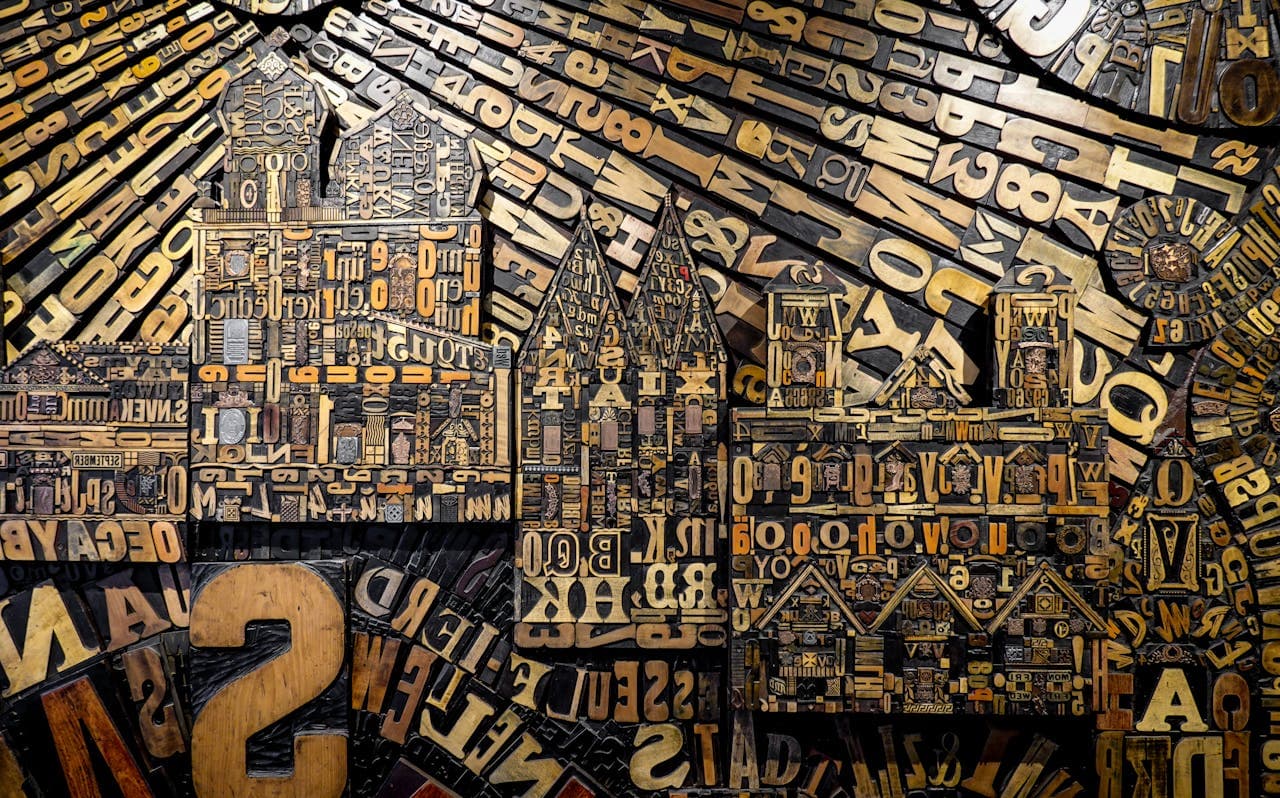
Whether you use a generator or create ASCII art by hand, these principles improve the result.
Choose the Right Font (FIGlet)
Not every FIGlet font works for every purpose:
- Standard, Big, Banner: clean, readable at any size, best for banners and headers
- Slant, Shadow, Lean: dynamic and stylish, good for splash screens and logos
- Block, Univers: heavy and bold, ideal for warnings and critical messages
- Script, Cursive: decorative, use sparingly, readability drops fast
- Mini, Small: compact, when space is limited but you still want visual impact
Test your text in 3-4 fonts before committing. What looks great at full terminal width might be illegible in a narrow sidebar.
Optimize for the Display Context
ASCII art breaks when the display is narrower than the art. Know your constraints:
- Terminal: typically 80 or 120 characters wide
- GitHub README: renders in a code block, width depends on viewer's screen
- Slack/Discord: monospace rendering with limited width
- Email: varies wildly, test in multiple clients
Image Conversion Best Practices
When converting photos to ASCII:
- Start with high-contrast images (silhouettes, logos, and bold graphics convert best)
- Increase contrast before converting, muddy midtones produce muddy ASCII
- Use a wide character set for more tonal range
- Match the aspect ratio, characters are taller than they are wide, so the output needs horizontal stretching to look proportional
- Preview at actual size, zooming in on ASCII art distorts the intended effect
For converting between text formats before or after creating ASCII art, the Text Case Converter handles uppercase, lowercase, and title case transformations.
Whether you use a generator or create ASCII art by hand, these principles improve the result.
Unicode Art: ASCII Art's Modern Evolution
Strictly speaking, ASCII only includes 128 characters. Modern "ASCII art" frequently uses Unicode characters (box-drawing symbols (╔═╗║╚╝), block elements (█▓▒░), arrows (→←↑↓), and mathematical symbols) to create richer visuals.
Unicode art enables effects that pure ASCII cannot achieve:
- Smooth gradients using block elements (█▓▒░)
- Clean borders using box-drawing characters
- Arrows and flowcharts using directional symbols
- Emoji integration for color in terminals that support it
The tradeoff is compatibility. Pure ASCII renders everywhere. Unicode art requires a terminal or browser that supports the specific Unicode blocks being used. Most modern systems handle it fine, but legacy terminals and some email clients may display garbled output.
Braille Art
A particularly clever technique uses Braille characters (⠁⠃⠇⡇⣇⣧⣷⣿) for ultra-high-resolution ASCII art. Each Braille character is an 8-dot grid, effectively giving you 2x4 pixel resolution per character cell. This produces surprisingly detailed images in pure text.
The Markdown Editor with live preview is useful for testing how your Unicode and ASCII art renders in different contexts before publishing.
Frequently Asked Questions
Is ASCII art still relevant in 2026?
More than ever. The resurgence of terminal-based development tools, the popularity of CLI applications, and the retro computing aesthetic have all pushed ASCII art back into mainstream use. GitHub alone hosts thousands of projects that use ASCII art for branding and documentation.
Can I use ASCII art commercially?
The ASCII art you generate from your own text or images is yours. FIGlet fonts are generally open-source (most use the MIT or GPL license), but check the specific font's license if you plan to embed the rendering engine in commercial software. The output text itself is not copyrightable, it is just characters.
What is the best character width for ASCII art?
80 characters is the safest maximum, it fits standard terminal widths, most code editors, and GitHub code blocks. For art that will only appear in modern terminals, 120 characters gives more detail. For social media posts, stay under 60 characters to avoid line wrapping on mobile.
How do I preserve ASCII art formatting when sharing?
Always wrap ASCII art in a monospace context:
Can AI generate ASCII art?
Large language models can produce simple ASCII art, but the results are inconsistent. They often miscalculate character alignment. Dedicated generators using FIGlet fonts or image-conversion algorithms produce reliable, pixel-perfect output every time. Use AI for creative direction ("what should I turn into ASCII art?") and dedicated tools for the actual generation.
### Is ASCII art still relevant in 2026.