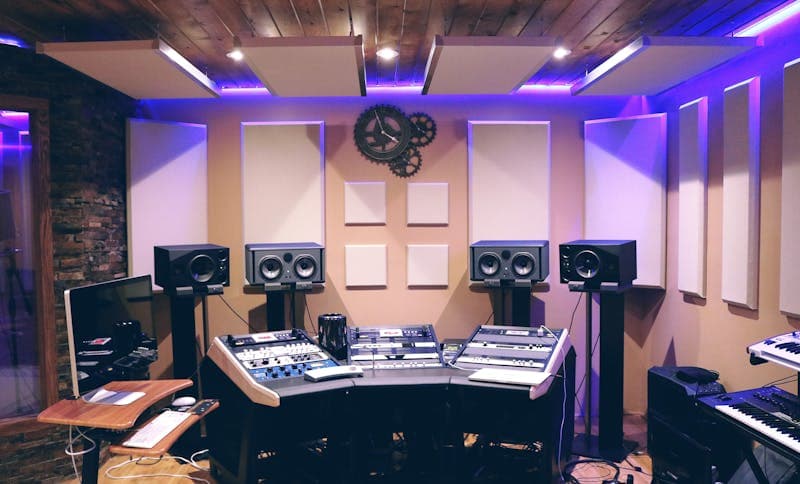
Finding background music for videos used to mean scrolling through stock music libraries for hours, trying to find something that fits your mood without sounding like every other YouTube video. Or you paid a composer. Or you used a popular song and hoped the copyright strike would not come.
AI music generators have changed this completely. Tools like Suno, Udio, AIVA, and Soundraw can produce full tracks in seconds based on text descriptions. Tell the AI you want a calm lo-fi beat with piano and soft drums, and you get exactly that. Want something more energetic with electric guitar? Change the prompt and generate again.
The quality has improved dramatically in the past year. Early AI music sounded robotic and repetitive. The current generation produces tracks that are genuinely hard to distinguish from human-composed stock music. For most video creators, this is more than good enough.
How AI Music Generation Actually Works
Most AI music generators use a combination of transformer models and audio diffusion. The transformer understands your text prompt and maps it to musical concepts (tempo, key, instrumentation, mood). The diffusion model then generates the actual audio waveform, similar to how image generators like Midjourney create visuals from text.
Some tools like AIVA use a more traditional approach, composing MIDI arrangements with neural networks trained on classical and film score compositions. These tend to produce more structured, compositionally coherent pieces but with less variety in production styles.
Soundraw takes a hybrid approach. It generates individual stems (drums, bass, melody, harmony) separately and lets you mix and adjust them. This gives you more control over the final output but requires more time.
The important thing for video creators is not the underlying technology but the output quality and the licensing terms. A beautifully generated track is useless if the licensing does not cover commercial use, or if the platform's terms change retroactively.
Comparing the Top AI Music Generators in 2026
Suno is the most popular option for general-purpose music generation. It handles vocals, instrumentals, and full song structures well. The free tier gives you limited generations per day, and the Pro plan ($10/month) includes commercial licensing. Audio quality is high, but very long tracks can become repetitive.
Udio focuses on production quality and handles complex genres better than most competitors. It produces particularly good results for electronic, ambient, and cinematic styles. Pricing is similar to Suno, and commercial licensing is included in paid plans.
AIVA targets film scoring and classical composition. If you need orchestral background music for a documentary or corporate video, AIVA is hard to beat. The free plan retains copyright, while the Pro plan ($15/month) transfers rights to you.
Soundraw gives you the most editorial control. Rather than generating a finished track from a prompt, it creates customizable arrangements where you can adjust the intensity, instruments, and structure of each section. Pricing starts at $16.99/month.
For most YouTube creators and social media producers, Suno or Udio will cover 90% of use cases. AIVA is better for cinematic work, and Soundraw suits people who want fine-grained control over the arrangement.
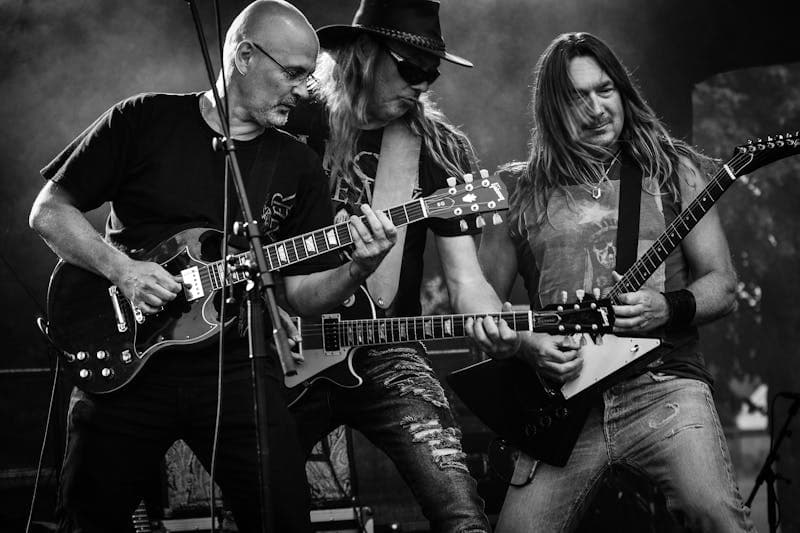
Writing Effective Prompts for AI Music
The quality of your output depends heavily on how you describe what you want. Vague prompts like "happy music" produce generic results. Specific prompts produce tracks that actually fit your content.
A good music prompt includes:
Mood and energy: calm, uplifting, tense, melancholic, triumphant. Be as specific as possible. "Bittersweet nostalgia" gives better results than "sad."
Instruments: piano, acoustic guitar, synthesizer, strings, drums, bass. Naming specific instruments shapes the arrangement directly.
Genre or style reference: lo-fi hip hop, cinematic orchestral, indie folk, electronic ambient. Genre labels carry a lot of information about tempo, production style, and instrumentation.
Tempo and energy level: slow and contemplative, medium pace, high energy. Some tools accept BPM values directly.
Duration context: mention what the music is for. "Background for a 3-minute product demo" helps the AI structure the track with an intro, body, and outro rather than generating a loop.
Before writing prompts for AI music tools, make sure your video script is solid. Use the Word Counter to check the length of your script, which helps you estimate how long the background track needs to be. A 300-word script at normal speaking pace runs about 2 minutes.
Licensing and Copyright: What You Actually Need to Know
This is where most creators trip up. AI-generated music sits in a legally evolving space, and the rules vary by platform and jurisdiction.
Platform licenses: Suno, Udio, and similar tools include commercial usage rights in their paid plans. The free tiers typically limit you to non-commercial use or require attribution. Read the actual terms, not just the marketing page.
Copyright ownership: In many jurisdictions, AI-generated content without substantial human creative input cannot be copyrighted. This means you cannot stop someone else from using a similar track, but it also means nobody else can claim copyright over your track. The law in this area is still evolving.
YouTube Content ID: AI-generated tracks should not trigger Content ID matches because they are original compositions. However, if the AI closely mimics a copyrighted song's melody or arrangement, there is a small risk of a false match. Keep the prompts original and avoid asking the AI to recreate specific songs.
Platform monetization: YouTube, TikTok, Instagram, and Twitch all currently allow AI-generated background music in monetized content, provided you have a commercial license from the generation tool. Check each platform's current policies, as these change.
The safest approach: use a paid plan on a reputable AI music tool, save your generation history and license confirmation, and avoid prompts that reference specific copyrighted songs.
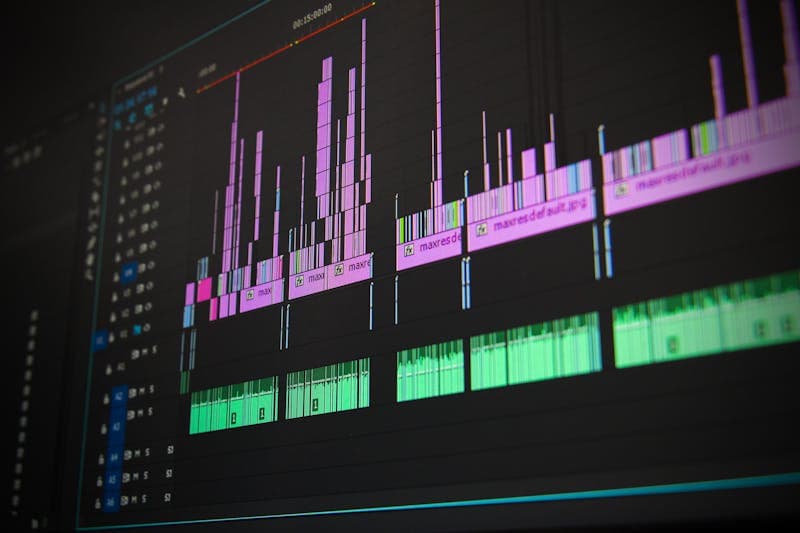
Integrating AI Music into Your Video Workflow
The most efficient workflow generates music after the video edit is roughly assembled, not before. Here is the process that works well:
- Edit your video with placeholder music or no music at all. Get the cuts, pacing, and story structure right first.
- Note the mood changes in your video. Mark timestamps where the energy shifts (intro needs something calm, the demo section needs something upbeat, the closing needs something warm).
- Generate 3 to 5 tracks per mood using different prompts. Variety matters because you rarely love the first generation.
- Layer the best track under your video and adjust levels. Background music should sit about 15 to 20 dB below your voice, loud enough to set the mood but quiet enough to stay background.
- Trim and crossfade between tracks if your video has distinct mood sections. Most video editors handle this natively.
Check your final script's readability before recording the voiceover. The Readability Checker scores your text and flags sentences that might be hard for your audience to follow when spoken aloud.
FAQ
Can I use AI-generated music in commercial YouTube videos?
Yes, if you use a paid plan that includes commercial licensing. Free tier tracks from most AI music tools are limited to personal or non-commercial use. Always check the specific terms of the tool you are using, as they differ between platforms.
Will AI music trigger a copyright claim on YouTube?
It should not, because AI-generated tracks are original compositions. However, if your prompt asks the AI to recreate a specific song or closely mimic a recognizable melody, the output might resemble copyrighted material enough to trigger Content ID. Keep your prompts original.
How long can AI-generated tracks be?
Most tools generate tracks between 30 seconds and 4 minutes. Some allow extension or looping to reach longer durations. For videos longer than 4 minutes, you typically need to generate multiple sections and crossfade between them in your video editor.
Are AI music generators good enough for professional video production?
For background music in corporate videos, YouTube content, social media, and podcasts, yes. For music that is the primary focus (like a music video or a film score with complex emotional arcs), human composers still produce better results. The gap is closing, but it is not gone yet.
### Can I use AI-generated music in commercial YouTube videos.
LLM Pricing Comparison 2026: How Much Does AI Really Cost?
LLM pricing compared: GPT-4o, Claude, Gemini, Llama, Mistral, DeepSeek. Cost per million tokens, batch discounts, and budget examples to plan your AI spend.
How to Fine-Tune LLMs: Data Format Guide for 2026
Fine-tuning data format guide for OpenAI, Anthropic, and Google. JSONL examples, validation tips, and best practices for preparing training data.
AI Context Windows and Token Limits Explained
Context window and token limits explained: what they are, how they differ across GPT-4o, Claude, and Gemini, and strategies for managing token constraints.