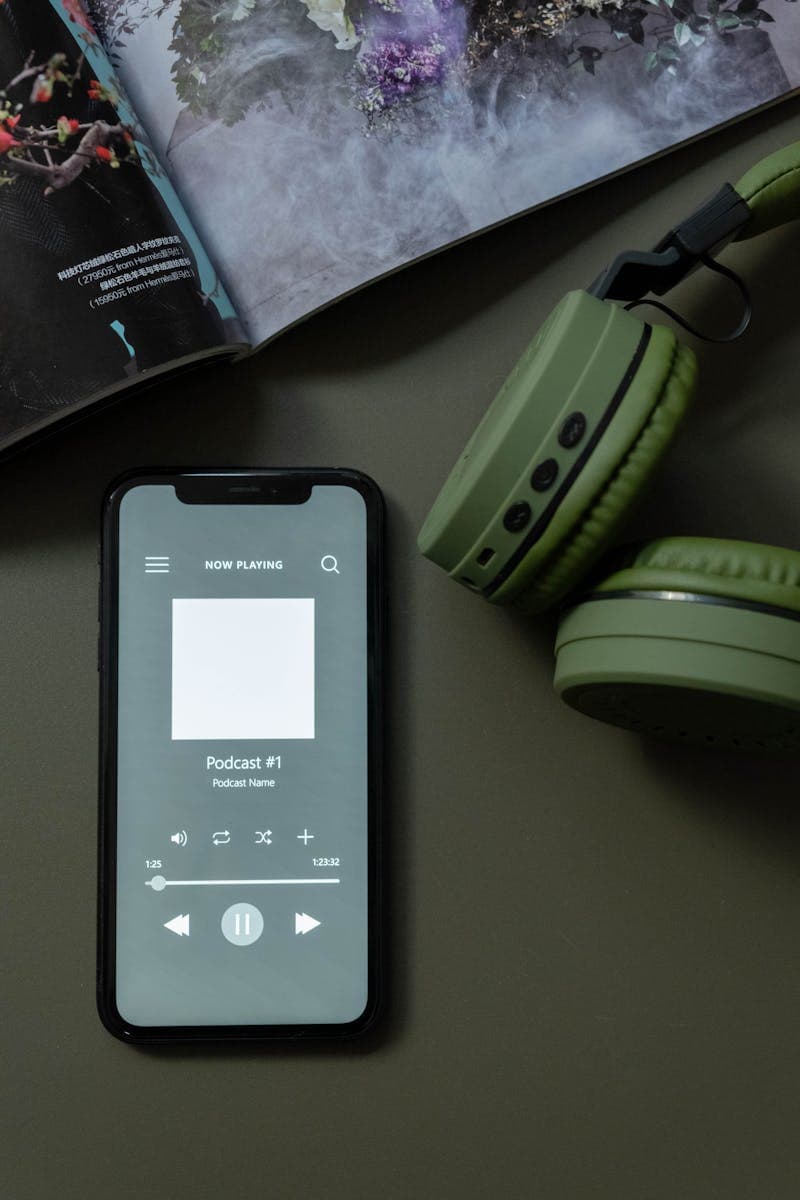
Starting a podcast used to mean a real microphone, a quiet room, editing skills, and hours of post-production per episode. A whole weekend for 30 minutes of audio was normal. For solo creators, the time cost is usually why projects stall after three episodes.
AI tools have compressed nearly every step. You can generate a script from a topic outline, convert it to realistic speech, edit the audio automatically, and produce show notes and transcripts without touching a mixing board. The quality is not perfect, but it is good enough for many use cases and improving fast.
AI Script Writing: From Outline to Episode Draft
The hardest part of podcasting for most people is writing the script. You know what you want to talk about, but organizing your thoughts into a coherent 20-minute monologue or dialogue is a different skill entirely.
AI writing assistants (ChatGPT, Claude, Gemini) can turn a bullet-point outline into a conversational script. The key is providing enough structure in your prompt. Give the AI your topic, your target audience, the tone you want (casual, educational, investigative), and any specific points you must cover.
A typical prompt might look like: "Write a 2000-word podcast script about [topic]. The tone is conversational and slightly humorous. The audience is [description]. Cover these points: [list]. Include transitions between sections and a strong opening hook."
Use a Word Counter to check the script length. A 2,000-word script typically translates to about 15 minutes of spoken content at average speaking pace (130-150 words per minute). If you are aiming for a 30-minute episode, target 4,000-4,500 words.
Run the output through a Readability Checker and aim for a conversational score. Podcast scripts should read at a 6th-8th grade level because spoken language is naturally simpler than written language. If the readability score is too high, the script will sound stiff when read aloud.
AI Voice Generation: Text-to-Speech That Sounds Human
This is where AI podcasting gets genuinely impressive. Modern text-to-speech services produce voices that sound remarkably natural. The robotic monotone of earlier TTS systems is gone. Current models handle emphasis, pacing, breathing pauses, and emotional variation.
The leading platforms (ElevenLabs, Play.ht, WellSaid Labs, Amazon Polly) offer dozens of voice options. Some let you clone your own voice from a few minutes of recorded speech, so the AI podcast sounds like you without you having to record anything.
A Text-to-Speech tool gives you a quick way to test how your script sounds before committing to a full production run. Paste a paragraph, listen to the output, and adjust the script if anything sounds awkward.
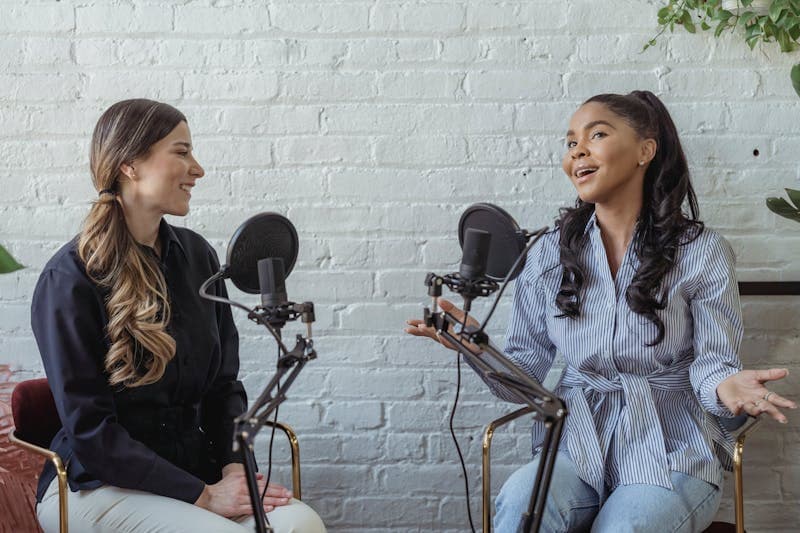
For dialogue-format podcasts (two hosts discussing a topic), you can assign different AI voices to each speaker. The effect is surprisingly convincing, especially if you use voices with different pitches, accents, or speaking speeds.
Limitations to be aware of: AI voices still struggle with sarcasm, irony, and very specific emotional nuances. They handle straightforward educational and informational content well, but comedy and deeply personal storytelling still benefit from a real human voice.
This is where AI podcasting gets genuinely impressive.
Automated Audio Editing and Post-Production
Traditional podcast editing involves removing ums and ahs, cutting dead air, normalizing volume levels, adding intro/outro music, and sometimes noise reduction. A single episode could take 2-3 hours to edit.
AI-powered editing tools (Descript, Adobe Podcast, Riverside) can do most of this automatically. Descript's approach is particularly clever: it generates a transcript and lets you edit the audio by editing the text. Delete a sentence from the transcript, and the corresponding audio is removed.
Automatic features available in current tools:
- Filler word removal: detects and removes ums, ahs, you knows, and like
- Silence trimming: shortens long pauses to a natural length
- Volume normalization: ensures consistent loudness throughout
- Noise reduction: removes background hum, keyboard clicks, room echo
- Audio enhancement: improves voice clarity, makes it sound like a professional studio recording
For fully AI-generated podcasts (where the voice is also AI), the editing step is much simpler because AI-generated speech does not have filler words or background noise. You mainly just need to add music, adjust pacing, and export.
Show Notes, Transcripts, and Repurposing
Every podcast episode should have show notes (a summary for the episode listing), a full transcript (for accessibility and SEO), and ideally some social media content to promote it. Producing all of that manually for each episode is tedious.
AI handles this well because it is mostly summarization and reformatting:
- Show notes: paste the transcript into an AI tool and ask for a bulleted summary with timestamps, key takeaways, and links to resources mentioned
- Transcripts: most recording platforms now include automatic transcription. Accuracy is typically 95%+ for clear English speech
- Social media clips: AI can identify the most quotable or interesting segments from a transcript and suggest which 30-60 second clips to cut for short-form video
- Blog posts: a 4,000-word transcript can be restructured into a 1,500-word blog post, giving you two pieces of content from one recording session
- Email newsletter: summarize the episode's key points into a 300-word email for your subscriber list
The efficiency gain here is significant. What used to take 2-3 hours of post-production writing now takes 15-20 minutes of reviewing and light editing AI-generated drafts.
Building a Podcast Workflow From Scratch
Here is a practical workflow for producing a weekly podcast episode using AI tools, from start to finish:
Monday (30 min): Research the week's topic. Collect 5-10 bullet points you want to cover. Note any sources or data points to include.
Tuesday (45 min): Feed your outline to an AI writing assistant. Generate a draft script. Review and edit it to match your voice and perspective. Check word count and readability.
Wednesday (30 min): Generate the audio using TTS. Listen through once, noting any sections that sound unnatural. Regenerate those sections with adjusted punctuation or wording.
Thursday (30 min): Add intro/outro music, assemble the final audio file. Run through automated editing for volume normalization and any remaining cleanup.
Friday (20 min): Generate show notes, transcript, and social media assets from the script. Upload to your hosting platform and schedule publication.
Total weekly time: roughly 2.5 hours. Compare that to the traditional workflow of recording (1-2 hours), editing (2-3 hours), and show notes (1 hour) for 4-6 hours per episode. The AI workflow is roughly half the time, and it scales well if you want to produce multiple episodes per week.
Ethical Considerations and Disclosure
AI-generated podcasts raise questions that you should think about before publishing. The most important one: should you disclose that the voice is AI-generated?
The answer is yes, always. Listeners deserve to know whether they are hearing a human or a machine. Some podcast directories (Apple Podcasts, Spotify) are developing policies around AI-generated content that may require disclosure. Getting ahead of those policies protects your show from being flagged or removed later.
A simple disclosure in your show notes works: "This episode uses AI-generated narration based on a script written by [your name]." If you wrote the script yourself and only used AI for the voice, that is different from having AI generate everything. Be specific about what role AI played.
Another consideration: AI voice cloning technology can replicate anyone's voice from a short sample. Using someone's voice without their consent is ethically wrong and potentially illegal in many jurisdictions. Only clone your own voice, or use stock voices provided by the platform with proper licensing.
Content accuracy matters too. If you use AI to research and write the script, fact-check the output. AI language models sometimes generate plausible-sounding but incorrect claims. For educational or informational podcasts, getting the facts wrong damages your credibility regardless of how the content was produced.
AI-generated podcasts raise questions that you should think about before publishing.
FAQ
Can listeners tell the difference between AI and human voices?
In short clips, many listeners cannot distinguish modern AI voices from human voices. Over longer episodes (20+ minutes), subtle patterns may become noticeable: slightly too-perfect pronunciation, unusual emphasis on certain words, or a lack of the small imperfections that make human speech feel natural. The gap is closing rapidly though.
How much does an AI podcast workflow cost?
Basic TTS services start around $5-10 per month for limited usage. Professional-tier services with high-quality voices and voice cloning run $20-50 per month. Audio editing tools like Descript start at $24 per month. A full AI podcast stack costs $30-80 per month, compared to buying a quality microphone ($100-300 one-time) for traditional recording.
Will podcast directories accept AI-generated content?
Currently, yes. Apple Podcasts and Spotify both accept AI-generated content but are developing policies around disclosure. Google Podcasts has been merged into YouTube, which has its own AI content guidelines. Check each platform's current policies before publishing, as they are evolving.
Can I monetize an AI-generated podcast?
Yes, through the same channels as any podcast: sponsorships, ads (Spotify Ad Studio, podcast ad networks), listener donations (Patreon, Ko-fi), and premium content. Sponsors may want to know about the AI component, so be upfront. Some listeners specifically seek out AI-generated content, while others prefer human voices exclusively.
LLM Pricing Comparison 2026: How Much Does AI Really Cost?
LLM pricing compared: GPT-4o, Claude, Gemini, Llama, Mistral, DeepSeek. Cost per million tokens, batch discounts, and budget examples to plan your AI spend.
How to Fine-Tune LLMs: Data Format Guide for 2026
Fine-tuning data format guide for OpenAI, Anthropic, and Google. JSONL examples, validation tips, and best practices for preparing training data.
AI Context Windows and Token Limits Explained
Context window and token limits explained: what they are, how they differ across GPT-4o, Claude, and Gemini, and strategies for managing token constraints.