Every physical product you have ever bought has a barcode on it. Those black-and-white lines encode a number that identifies the product: its manufacturer, its type, and sometimes its specific variant. Scanners read that number in milliseconds, which is how checkout lines at grocery stores process hundreds of items per hour.
If you sell physical products, manage inventory, or ship packages, you need barcodes. Generating them is free and takes about 30 seconds with an online Barcode Generator. The trickier part is knowing which barcode format to use for your situation.
Barcode Formats Explained: EAN, UPC, Code 128, and QR
EAN-13 (European Article Number): The standard for retail products worldwide (except North America). 13 digits. If you sell products in Europe, Asia, Australia, or South America, you need EAN-13 barcodes. The first 3 digits identify the country, the next 4-5 identify the manufacturer, and the remaining digits identify the product.
UPC-A (Universal Product Code): The North American equivalent of EAN-13. 12 digits. If you sell products in the US or Canada through retail channels, retailers will require UPC barcodes. UPC is actually a subset of EAN (a UPC with a leading zero is a valid EAN-13).
Code 128: A high-density format that encodes any ASCII character, not just numbers. Used for shipping labels, internal inventory, and logistics. If you need to encode text, serial numbers with letters, or internal tracking codes, Code 128 is your format.
Code 39: An older format that encodes letters, numbers, and a few special characters. Still used in government, military, and automotive industries. Less dense than Code 128, so it produces wider barcodes.
QR Codes: Two-dimensional codes that store much more data than linear barcodes: URLs, contact information, Wi-Fi credentials, or plain text up to about 4,000 characters. Not a replacement for product barcodes (retail scanners expect linear barcodes), but useful for marketing, packaging, and linking physical products to digital content. Generate them with the QR Code Generator.
Which Format Do You Need? A Decision Guide
Selling products in retail stores (US/Canada): UPC-A. You will need a GS1 Company Prefix, which involves registering with GS1 US and paying an annual fee. This gives you a block of numbers to assign to your products.
Selling products in retail stores (rest of world): EAN-13. Same process, register with your country's GS1 organization.
Selling only on Amazon or your own website: Amazon has its own FNSKU labeling system, but most categories still require a UPC or EAN. For your own website, barcodes are optional but useful for inventory management.
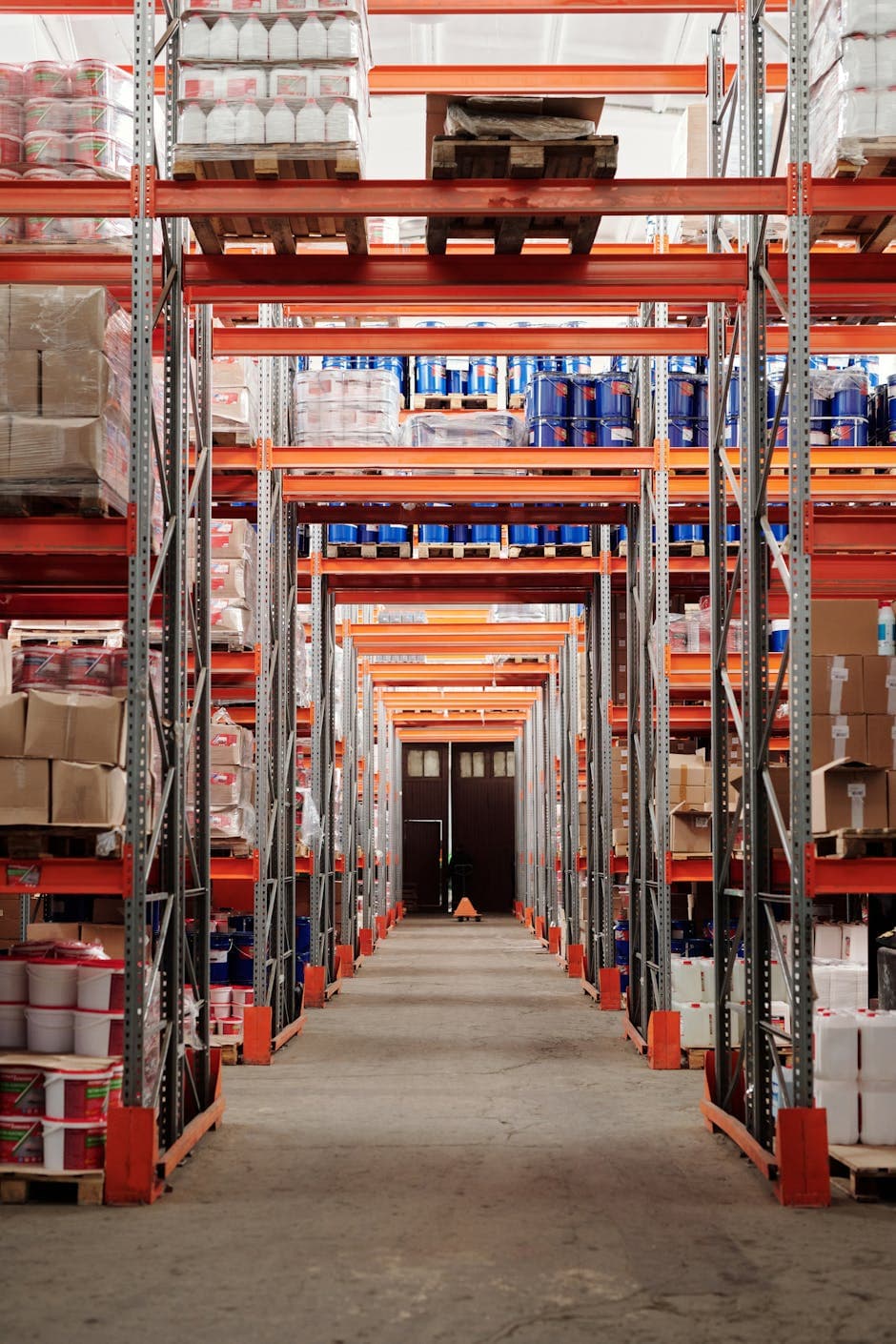
Internal inventory tracking: Code 128. No registration needed. Make up your own numbering scheme that makes sense for your operation. A warehouse might use codes like "WH-A-001" for Warehouse A, Section 001.
Shipping labels: Code 128 or the carrier-specific format (FedEx, UPS, and DHL each have their own label specifications). Most shipping software generates these automatically.
Event tickets or passes: QR codes. They hold more data, work with phone cameras, and are harder to duplicate than simple barcodes.
**Selling products in retail stores (US/Canada)**: UPC-A.
How to Generate and Print Barcodes
The Barcode Generator creates barcodes in any standard format. Enter your number or text, choose the format, and download the barcode as an image file (PNG or SVG).
For printing:
Label printers (Dymo, Zebra, Brother): These are the standard for barcode labels. They print on adhesive label rolls in various sizes. A Dymo LabelWriter costs about $50-80 and prints barcode labels in seconds. Import the barcode image into the label software and size it to fit.
Regular printers: You can print barcodes on standard paper or adhesive label sheets (Avery labels). Make sure the print quality is high enough for scanners to read reliably. Laser printers generally produce sharper barcodes than inkjet printers.
Minimum size: Barcodes need to be large enough for scanners to read. For EAN-13 and UPC-A, the minimum size is about 80% of the nominal size: roughly 26mm wide by 18mm tall. Going smaller risks scan failures. Code 128 barcodes can be smaller because they are denser.
Quiet zones: Leave white space (at least 2-3mm) on both sides of the barcode. Text, borders, or other graphics that touch the barcode edges will cause scan failures.
Common Mistakes That Break Barcodes
Wrong check digit: EAN and UPC barcodes include a check digit (the last number) that is calculated from the other digits. If you manually enter a number with the wrong check digit, the barcode will not scan. The Barcode Generator calculates this automatically, so use the generator rather than drawing barcodes manually.
Low contrast: Barcodes need strong contrast between bars and spaces. Black on white is ideal. Dark blue or dark green on white also works. Red on white does NOT work because most barcode scanners use red light, which cannot distinguish red bars from a white background.
Wrapping around curves: Barcodes on cylindrical products (bottles, cans) must be positioned so the bars run parallel to the cylinder's axis, not around it. Bars that curve with the product surface become unreadable.
Damaged or smudged printing: Even small print defects can make a barcode unreadable. Test every batch of printed barcodes with a scanner before applying them to products. A single shipment with unscannable barcodes can cause receiving delays and chargebacks from retail partners.
**Wrong check digit**: EAN and UPC barcodes include a check digit (the last number) that is calculated from the other digits.
Frequently Asked Questions
Do I need to register or pay to use barcodes?
For internal use (inventory tracking, asset management), no. You can make up your own numbers and use Code 128 freely. For retail products sold through stores or marketplaces, you need a GS1 Company Prefix, which involves an annual fee starting around $250/year depending on your country and the number of products.
Can I use the same barcode for different products?
No. Each product variant (different size, color, flavor) needs its own unique barcode number. A medium blue t-shirt and a large blue t-shirt are different products in the supply chain and need different barcodes.
What is the difference between a barcode and a QR code?
Traditional barcodes (EAN, UPC, Code 128) are one-dimensional: they encode data in the width of the bars. QR codes are two-dimensional: they encode data in a grid pattern. QR codes hold more information and can be scanned with phone cameras, but they are not used for retail product identification. Use barcodes for products and QR codes for linking to digital content.
Can barcode scanners read barcodes from a phone screen?
Most modern barcode scanners can read barcodes displayed on screens. Some older laser scanners struggle with screens because of reflections and refresh rates. For reliable scanning, printed barcodes on paper or labels are always more dependable.
Meeting Cost Calculator: What Your Meetings Really Cost
A recurring meeting can burn thousands per year in salary time. Learn how to price meetings, spot the expensive ones, and cut waste with a free calculator.
QR Code Maken: Gratis Gids voor Elke Toepassing
Maak gratis QR codes voor je bedrijf, visitekaartjes, WiFi en marketingcampagnes. Met tips voor design, de juiste formaten en het meten van scans.
Build a Faster Workflow Using Only Browser Tools
Five step-by-step browser workflows for image optimization, SEO checks, PDF processing, and invoicing. No installs, no uploads, no app switching.