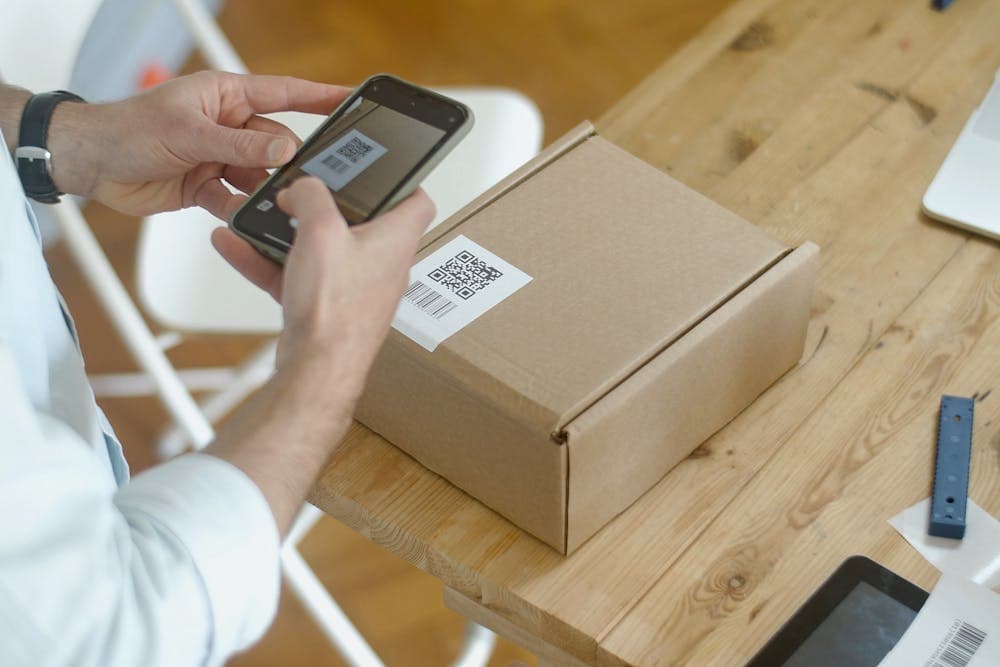
Every QR code generator online wants your email. Then it wants you to create an account. Then it pushes you toward a paid plan for "dynamic QR codes" or "analytics." You just want a QR code for your restaurant menu or your business card.
A QR code is a standardized 2D barcode. There is nothing proprietary about it. The format is open, the encoding is well-documented, and generating one takes a fraction of a second of computation. There is no technical reason to charge for it or to require an account.
The QR Code Generator creates QR codes instantly in your browser. No signup, no email, no tracking pixels embedded in your code. Type your content, download the image, and use it wherever you need it.
What Can You Encode in a QR Code?
QR codes store text. That text can be a plain URL, but it can also follow specific formats that phones recognize and act on automatically.
URLs are the most common use case. Encode https://example.com/menu and any phone camera will open it in the browser. Keep URLs short. Longer URLs produce denser, harder-to-scan codes.
Wi-Fi credentials: The format WIFI:S:NetworkName;T:WPA;P:YourPassword;; lets guests join your network by scanning a code. Print it and stick it on the wall. No more spelling out passwords.
vCards (contact info): Encode your name, phone, email, and company in vCard format. Scanning adds you directly to someone's contacts. This is the professional alternative to handing out physical business cards.
Plain text: Short messages, instructions, serial numbers, or any text up to about 4,000 characters. Useful for product labels, equipment tags, and inventory management.
Email and SMS: Formats like mailto:you@example.com?subject=Hello or smsto:+1234567890:Your message trigger email composition or text messaging on the scanner's phone.
Calendar events: VEVENT format adds an event directly to the scanner's calendar with date, time, location, and description.
The QR Code Generator supports all these formats with guided input fields so you do not need to memorize the encoding syntax.
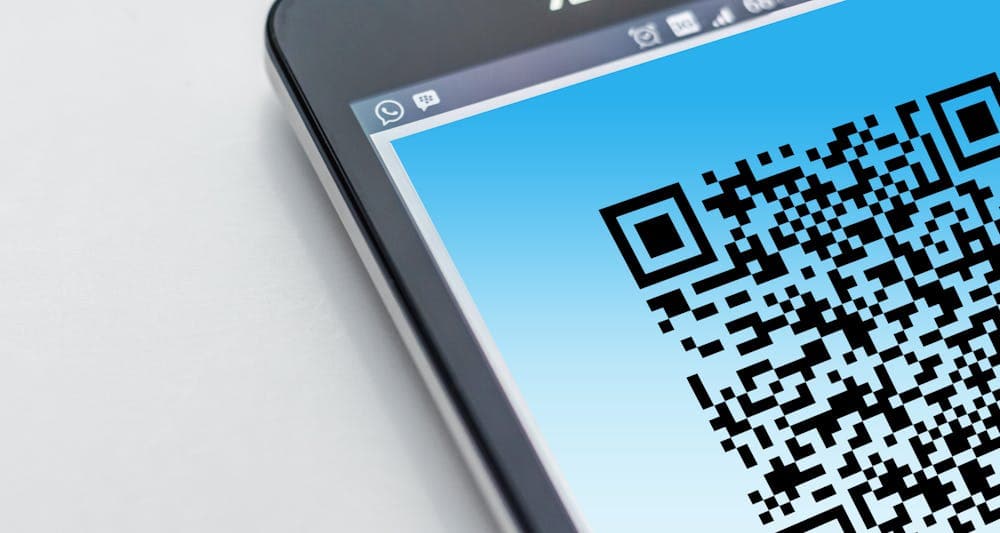
Static vs Dynamic QR Codes: Do You Need Dynamic?
This is where most QR code services upsell you to a paid plan. Here is the honest breakdown.
Static QR codes encode the content directly. The URL, Wi-Fi password, or vCard data is baked into the pattern of squares. The code works forever, even offline, and nobody can track who scans it. The downside: if the content changes (you move to a new URL), you need to print a new code.
Dynamic QR codes encode a redirect URL that points to the service provider's server. When someone scans it, they hit the provider's server first, which redirects to your actual URL. This lets you change the destination without reprinting the code, and the provider can track scan counts, locations, and devices.
When dynamic makes sense: large print runs (thousands of flyers or product packages) where reprinting is expensive, and you genuinely need scan analytics.
When static is better: business cards, menus, office signage, personal projects, and anything where the destination is unlikely to change. Static codes are simpler, faster to scan (no redirect delay), and work without internet on the QR code service's side.
For most small business and personal use cases, a static code is all you need. The QR Code Generator creates static codes that work forever.
This is where most QR code services upsell you to a paid plan.
Print Quality: Getting QR Codes Right on Physical Materials
A QR code that works on screen can fail completely when printed. The issue is almost always size or contrast.
Minimum size: The general rule is 2 cm x 2 cm (about 0.8 inches) for codes scanned at close range (business cards, labels). For posters, billboards, or anything scanned from a distance, the code needs to be larger. A rough formula: the code should be 1/10th of the scanning distance. If people scan from 1 meter away, the code should be at least 10 cm.
Resolution: Download your QR code as SVG or at a high PNG resolution (at least 1000x1000 pixels). Scaling up a small raster image makes it blurry, and blurry edges confuse scanners. SVG scales perfectly to any size.
Contrast: The code must be dark on a light background. Black on white works best. Dark blue on white or black on light yellow are fine too. Avoid light-colored codes on dark backgrounds. Avoid placing codes on busy or textured backgrounds.
Quiet zone: The white border around the code (called the quiet zone) must be at least 4 modules wide. This is the space that tells the scanner where the code ends. Cropping it too tight causes scan failures.
Error correction: QR codes have built-in error correction. Higher error correction (level H, 30% redundancy) means the code still scans even if part of it is obscured or damaged. Use high error correction for codes that will be printed on rough surfaces, stickers, or packaging that might get scratched.
QR Codes for Small Business: Practical Use Cases
Restaurants and cafes: Link to your online menu. Update the menu online without reprinting table cards. Print a Wi-Fi QR code so customers connect without asking staff.
Retail: Link to product information, reviews, or how-to videos from product labels. Use the Barcode Generator for standard retail barcodes (EAN, UPC) alongside QR codes for digital content.
Service businesses: Put a QR code on invoices that links to your online payment page. Add one to your vehicle or uniform that links to your website or booking page.
Events: Conference badges with vCard QR codes for easy contact exchange. Event signage linking to schedules, maps, or feedback forms.
Real estate: Property listing signs with QR codes linking to full listing pages with photos, floor plans, and virtual tours.
Construction and facilities: Equipment tags with QR codes linking to maintenance logs, manuals, or reporting forms.
The common thread: QR codes work best when they bridge a gap between a physical object and digital information. If someone is standing in front of something physical and needs digital details, a QR code is the fastest bridge.
**Restaurants and cafes**: Link to your online menu.
Common QR Code Mistakes to Avoid
Encoding a URL that will change. If you are printing 5,000 flyers, make sure the URL is stable. Use a dedicated landing page on your own domain rather than a social media link that might be restructured.
Making the code too small. Test print the code and scan it with 3 different phones before approving a print run. What works on a new iPhone may not scan on an older Android device.
Forgetting to test. Generate the code, scan it yourself, verify it goes where it should, then scan it from the print proof. Test with at least two different phones.
Using a URL shortener. Some URL shorteners block or modify links over time. If the shortener goes down, your QR code is dead. Use your own domain or a stable URL.
Not adding a call to action. A QR code by itself does not tell people what they will get by scanning it. Add text like "Scan for menu" or "Scan to connect to Wi-Fi" next to the code.
Placing on a screen that users are already using. A QR code on a website is mostly useless. The user is already on a device with a browser. Just make it a clickable link. QR codes are for bridging physical to digital.
QR Code FAQ
Do QR codes expire?
Static QR codes never expire. The data is encoded directly in the image pattern, and there is no external dependency. Dynamic QR codes expire if the service provider shuts down or if you stop paying for the service.
Can I put my logo in the center of a QR code?
Yes, if the code uses high error correction (level H). The error correction compensates for the obscured area. Keep the logo small (no more than 15-20% of the code area) and test thoroughly after adding it.
What is the maximum amount of data a QR code can hold?
Version 40 (the largest QR code) can hold 4,296 alphanumeric characters or 2,953 bytes. In practice, you want to keep content short because more data means a denser, harder-to-scan pattern. For URLs, keep them under 100 characters if possible.
Is there a difference between QR codes and barcodes?
Yes. Traditional barcodes (UPC, EAN, Code 128) are one-dimensional and hold limited data, typically a product number. QR codes are two-dimensional and hold much more data: URLs, text, contact info, and more. Use barcodes for product identification and QR codes for rich content.
### Do QR codes expire.
Meeting Cost Calculator: What Your Meetings Really Cost
A recurring meeting can burn thousands per year in salary time. Learn how to price meetings, spot the expensive ones, and cut waste with a free calculator.
QR Code Maken: Gratis Gids voor Elke Toepassing
Maak gratis QR codes voor je bedrijf, visitekaartjes, WiFi en marketingcampagnes. Met tips voor design, de juiste formaten en het meten van scans.
Build a Faster Workflow Using Only Browser Tools
Five step-by-step browser workflows for image optimization, SEO checks, PDF processing, and invoicing. No installs, no uploads, no app switching.